A quick note for fellow educators teaching Maya, Houdini, or Nuke — where half the craft lives in your fingertips.
I’ve been screen-recording DCC tutorials and teaching 3D production workshops at tertiary institutions for a while now. Maya, Houdini, Nuke — these tools are deeply shortcut and modifier-key driven. Students don’t just need to see what’s happening on screen; they need to know exactly what you’re pressing.
OBS recordings helped, but weren’t always enough on their own. These two utilities fill that gap.
Carnac
Carnac has been my go-to for years. It shows keystrokes as an on-screen overlay in real time — clean, reliable, gets the job done. If you teach anything shortcut-heavy, this is the utility you install and forget about.
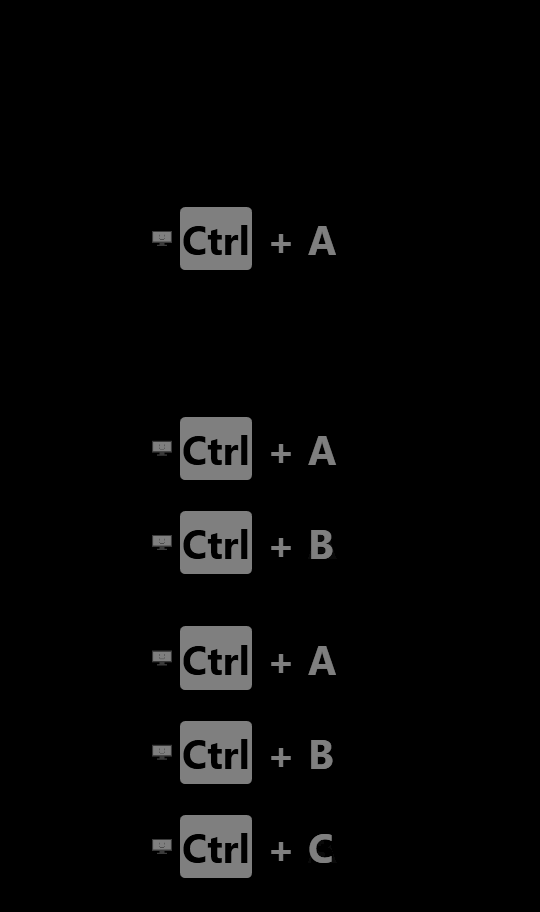
Keyviz (I highly recommend this!)
More recently I came across Keyviz, which has noticeably better default aesthetics. One thing worth noting: keystroke display is off by default — you’ll need to enable it in settings. Out of the box it only shows mouse clicks.
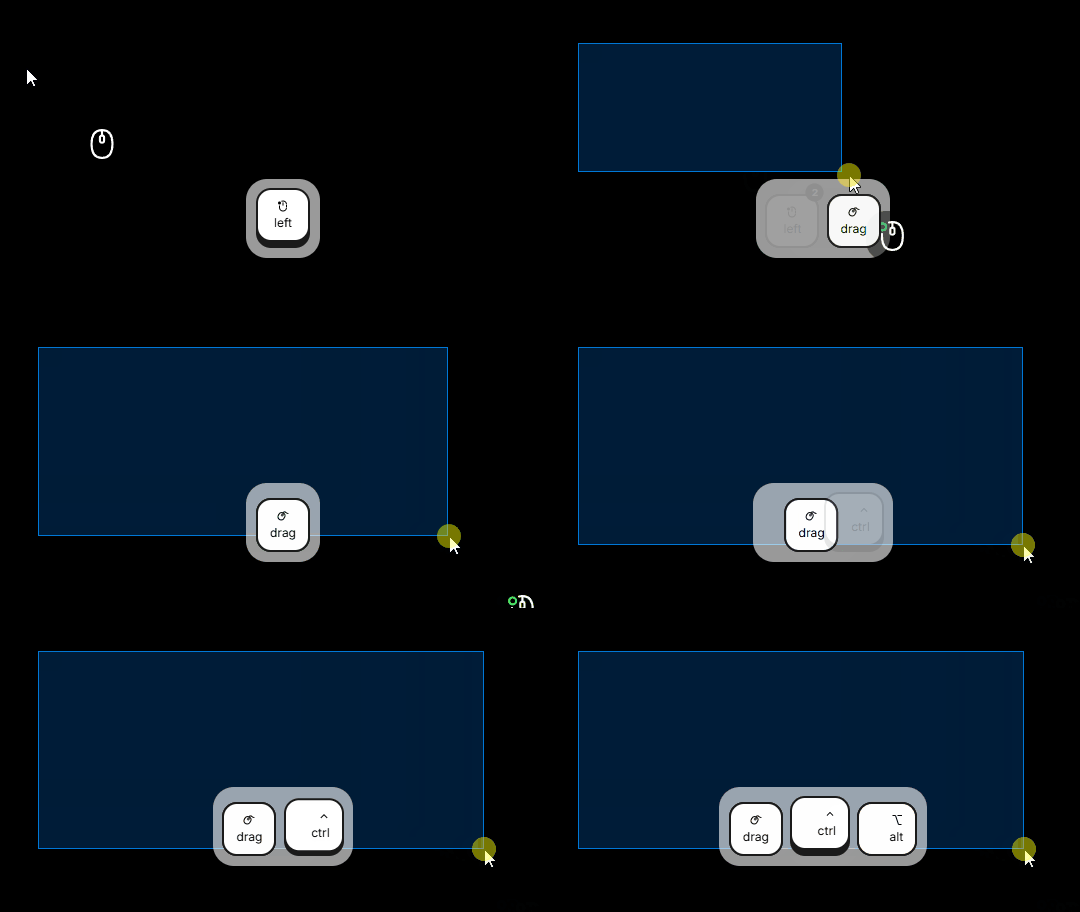
Speaking of mouse clicks — Keyviz also displays which mouse button is being pressed: LMB, RMB, or MMB. If you’ve ever watched a 3D tutorial and wondered whether the instructor just left-clicked or middle-clicked, you’ll know how essential this is in any DCC app.
I keep forgetting the names of these tools when I want to share them — writing this as much for future me as for anyone else. Hope it’s useful for fellow educators.